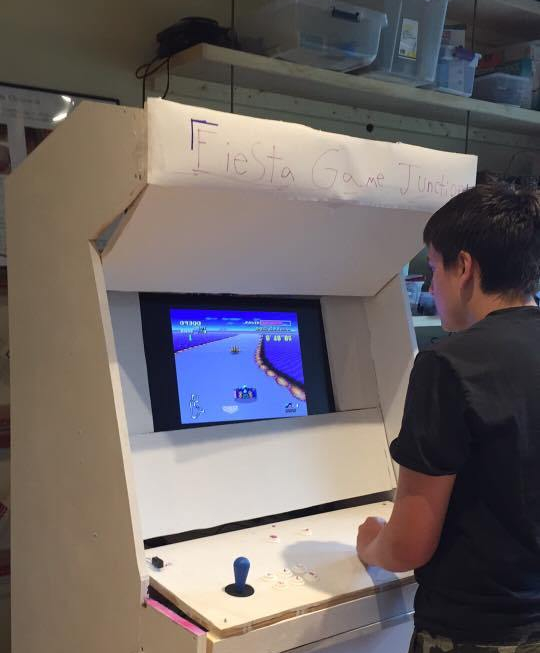
The Raspberry Pi arcade machine is a popular project among hobbyists and fans of the Pi.
I learned how to use my Raspberry Pi 3 to emulate old video games from online forums and tutorials. I built the project for a class I was taking back in high school and have still been using it occasionally ever since. The machine has several dozen emulators installed on it for playing a variety of different games.
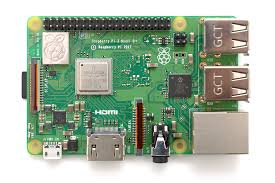
I used an emulation software called RetroArch to make installing, selecting, and running games more user friendly, so the project didn’t require much coding experience or expertise on my end, but I did do all the assembly/woodworking by myself.
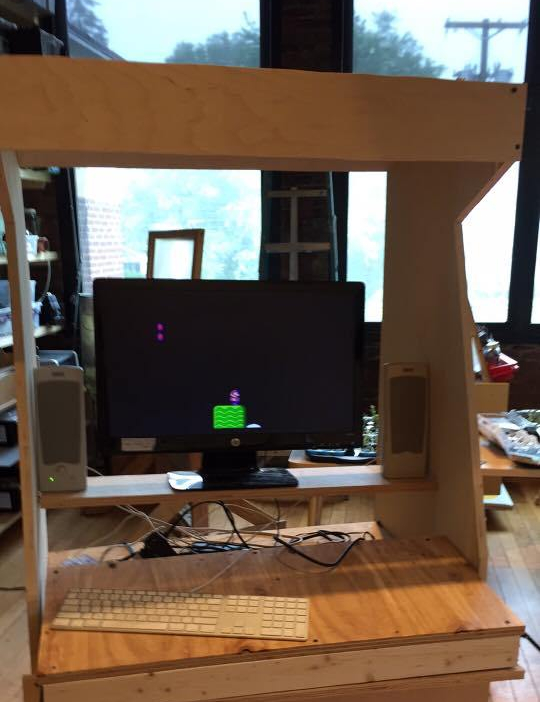
I used a monitor and some speakers for the audio/video, and had to initially set up everything on the Pi using a mouse and keyboard. Eventually after the software/drivers/roms and such were installed, I got to work on the more difficult aspect of the project, the wiring/control board.
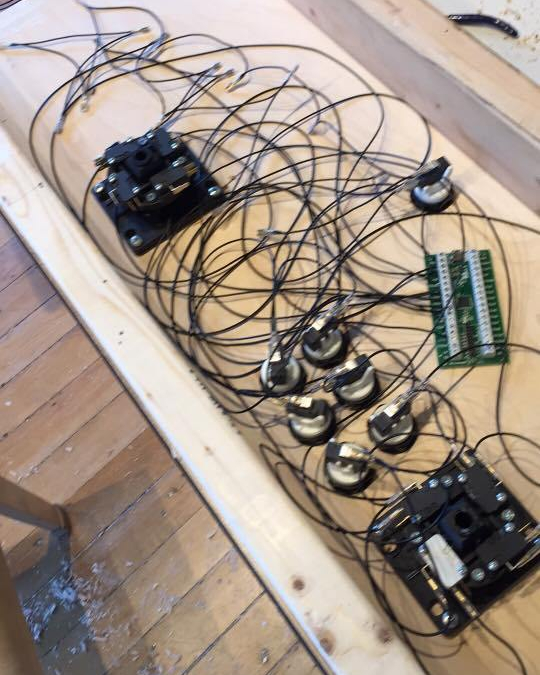
The project didn’t really require much programming experience, but I did have to figure out how to get some basic troubleshooting stuff done. Wiring the ports together with the buttons/joysticks the right way, installing the right driver software, and transferring all of my roms that I used onto the Pis memory using WinSCP, are a few examples.

 Julian's Nerdy Highlight Reel